
For The NEW ADULTS ONLY Service
Please use your login details we sent during processing and setup of your order…
To Access ADULTS ONLY content & downloads in any browser.
On your phone, tablet or laptop, in any web browser Please go to: https://midnightgrownupflix.xyz/
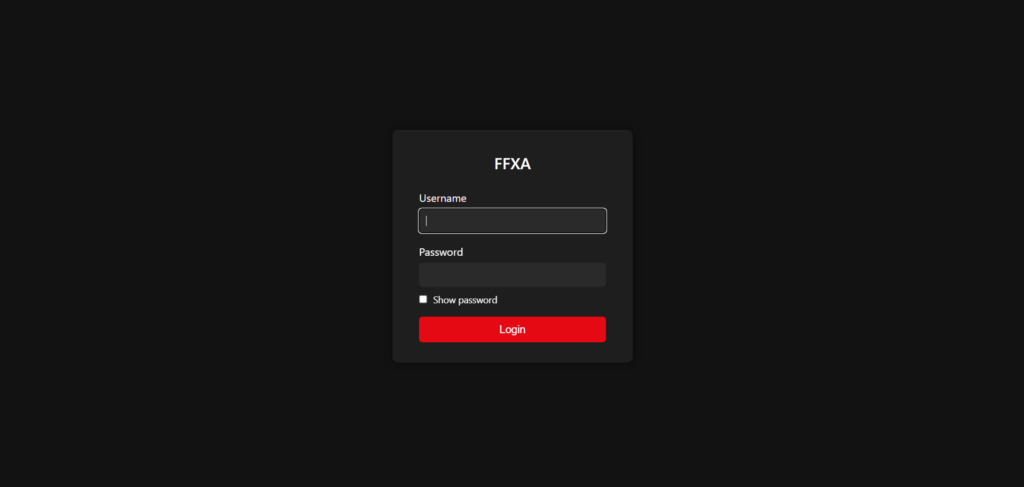
- LOGIN WITH YOUR DETAILS:
- Username: (usually your email address)
- Password: (your password we provided)
- Username: (usually your email address)
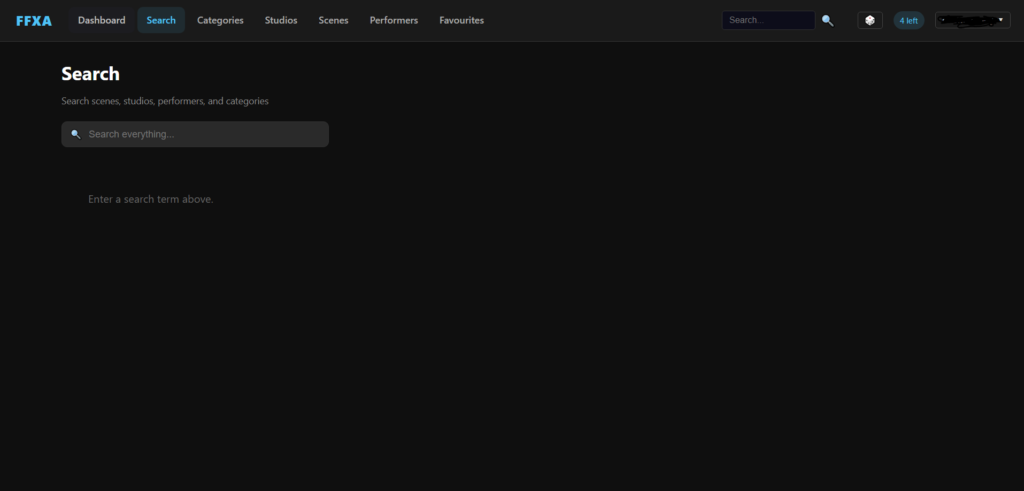
once logged in you can watch or download content from here in any web browser, on most devices.
Next you will need to Install VLC Player to watch downloads

- Open your app store (Google Play Store on Android, App Store on iOS, etc.)
- Search for VLC Media Player
- Download & install it (it’s free).
Once you have download & installed your choice of media player
- Download your choice of file from FounderFlix.
- Open VLC Player.
- Browse for your downloaded file and play it directly inside VLC.
- Download & install it (it’s free).
- Search for VLC Media Player
Your all setup and ready to start Enjoying UTVX
To Access ADULTS ONLY content using IPTV apps
Click your username (Top right) to create & obtain your M3U URL
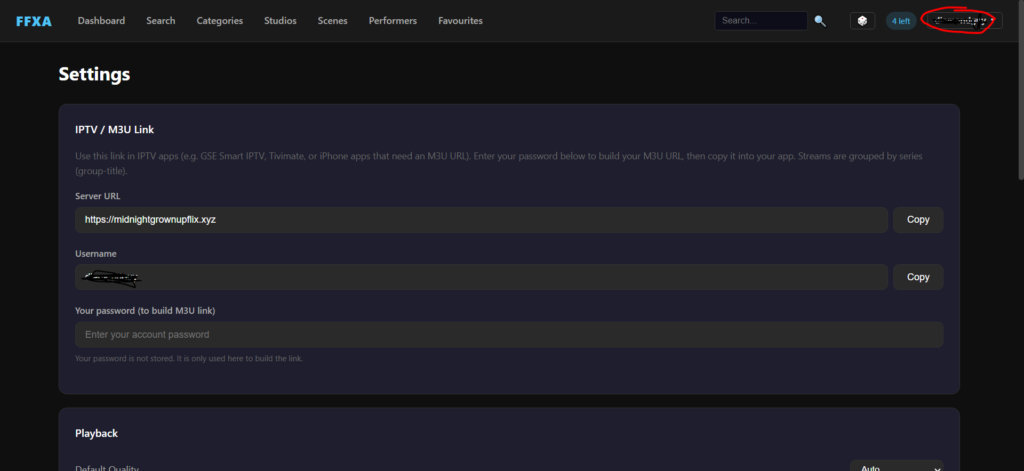
Use IPTV / M3U Link to obtain the link for your IPTV apps (e.g. GSE Smart IPTV, Tivimate, VLC, or iPhone apps any that use an M3U URL).
Enter your password to build your M3U URL, then copy & paste it into your choice of iptv app. click add playlist select M3U Options (NOT XTREAM CODES) then copy & paste your m3u and load it, once loaded & logged in, go to movies and your all set
OTT Navigator IPTV – popular choice for users
OTT Navigator downloads
https://go.aftvnews.com/3229724+
- For Android/Firesticks downloads only
- DOWNLOADER SHORT CODE –
3229724- URL DOWNLOAD – https://aftv.news/3229724
- iOS users search app store on device
- URL DOWNLOAD – https://aftv.news/3229724
- DOWNLOADER SHORT CODE –
Click ADD PLAYLIST, Select M3U Option
Then Copy & Paste your M3U URL you obtain above
Save & Load the playlist your just added
IPTV Smarters Player Lite
iptv smarters player lite
https://aftv.news/6468112+
- For Android/Firesticks downloads only
- DOWNLOADER SHORT CODE –
6468112- URL DOWNLOAD – https://aftv.news/6468112
- iOS users search app store on device
- URL DOWNLOAD – https://aftv.news/6468112
- DOWNLOADER SHORT CODE –
Click ADD PLAYLIST, Select M3U Option
Then Copy & Paste your M3U URL you obtain above
Save & Load the playlist your just added