
How to Access FounderFlix – (FFX – Download & Go Service)
On your phone, tablet or laptop, in any web browser Please go to: https://founderflix.net/
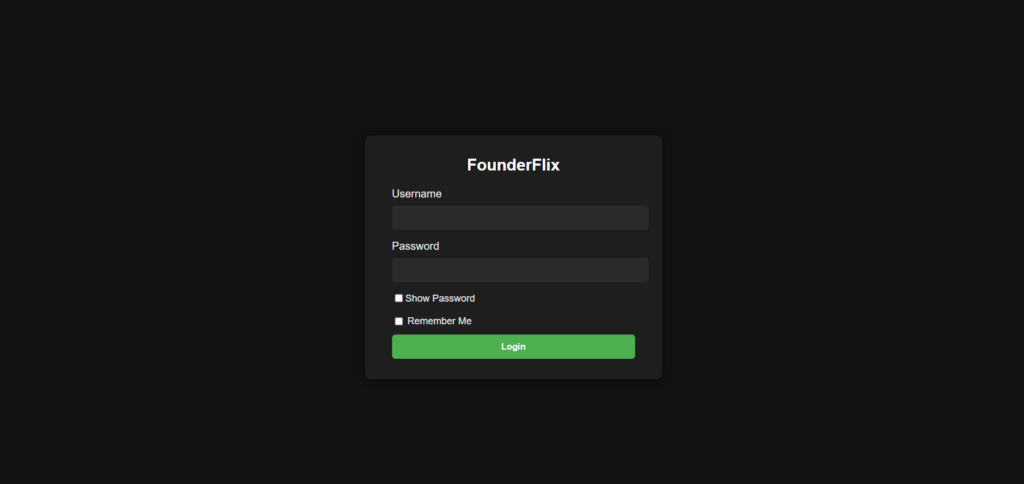
- LOGIN WITH YOUR DETAILS:
- Username: (usually your email address)
- Password: (your password we provided)
- Password: (your password we provided)
- Username: (usually your email address)
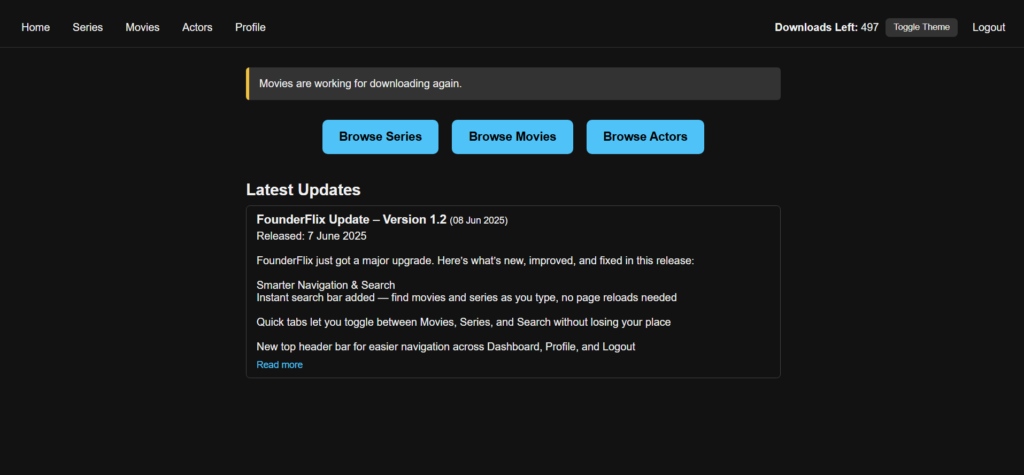
once logged in you can download content from here in any web browser, on most devices.
If you’re on Android, you can’t log in directly through a normal browser. Instead:

- Open the Downloader app
- Tap Browse
- Enter the link: https://founderflix.net
- Login there
- Login there
- Enter the link: https://founderflix.net
- Tap Browse
Next you will need to Install VLC Player

- Open your app store (Google Play Store on Android, App Store on iOS, etc.)
- Search for VLC Media Player
- Download & install it (it’s free).
- Download & install it (it’s free).
- Search for VLC Media Player
Watching your Downloads
- Download your file from FounderFlix.
- Open VLC Player.
- Browse for your downloaded file and play it directly inside VLC.
- Browse for your downloaded file and play it directly inside VLC.
- Open VLC Player.
Your all setup and ready to start Enjoying UTVX
Look out here for, MORE COMING SOON!!!